Back to ArticlesAnalytics
Analytics••
7 min read
•Shopyo UX Research
Landing Page Optimization: 5 Proven Strategies Using Scroll Depth & Click Heatmaps
Getting high traffic but struggling with low conversions? Learn how visual heatmaps and scroll depth analytics pinpoint drop-offs and drive higher checkout rates.
High Traffic, Low Orders: Why Does It Happen?
A frequent frustration among e-commerce operators is spending substantial ad budget on Meta or Google, driving thousands of clicks, yet observing low checkout completions. The root cause usually lies in friction along the landing page layout.
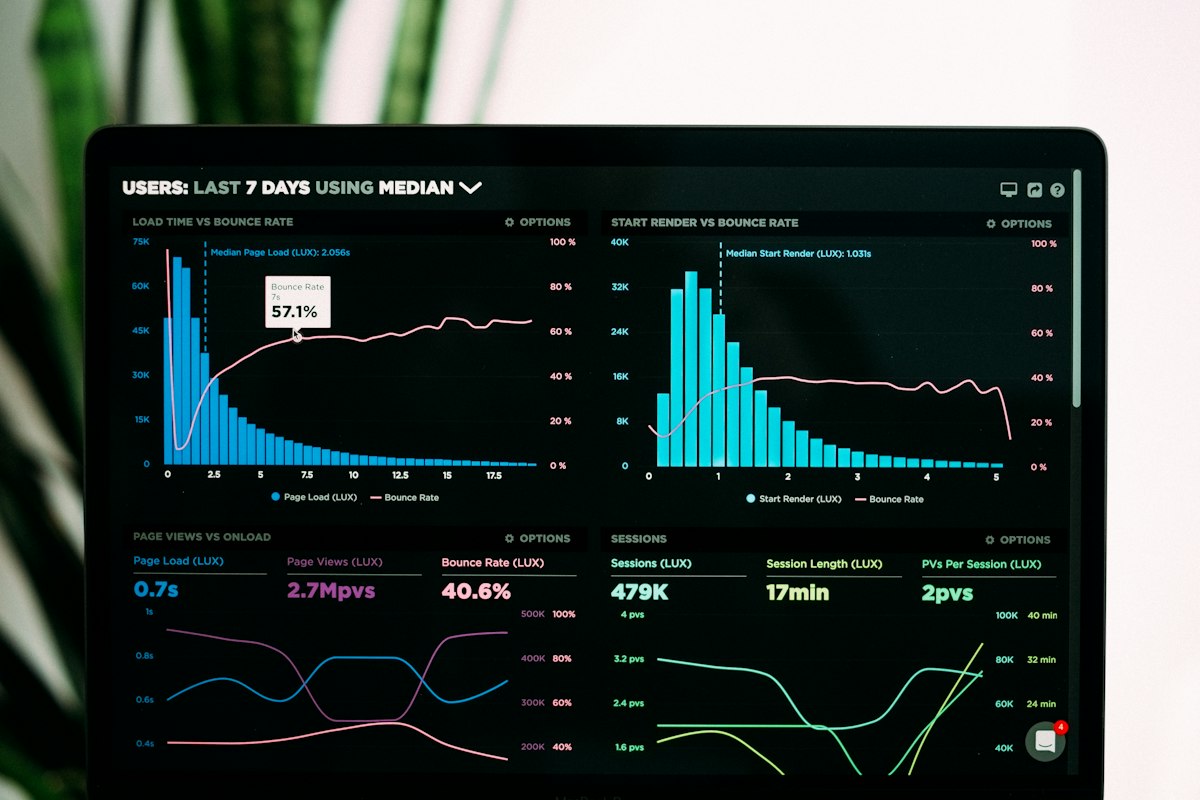
Visual click heatmaps and scroll depth trackers act as an X-ray for your storefront, revealing exactly where shoppers linger, what elements they click, and where they abandon the page.
5 Practical Strategies to Boost Conversions
1. Place the Core Value Proposition Above the Fold Shoppers decide within 3 seconds whether to stay or bounce. Keep your headline, product imagery, and primary CTA button visible immediately without scrolling.
2. Trim Underperforming Content Sections If analytics show a sharp drop-off at 40% scroll depth, the middle section is likely redundant. Remove unnecessary filler copy that delays the customer from reaching the purchase form.
Any section that doesn't actively persuade the customer to buy is costing you revenue.
3. Identify Dead Clicks on Unclickable Elements Heatmaps frequently reveal shoppers tapping images, badges, or headlines expecting links. Either make those elements interactive or simplify the layout.
4. Optimize Specifically for Mobile Thumbs With over 90% of traffic originating from mobile devices, ensure button sizes, typography, and checkout inputs are thumb-friendly and load in under 1 second.
5. Position Verified Social Proof Near Checkout Show verified customer testimonials and star ratings directly beside the order form to resolve hesitation right before commitment.
Ready to scale your online business?
Connect with our team or get started directly on the Shopyo platform.